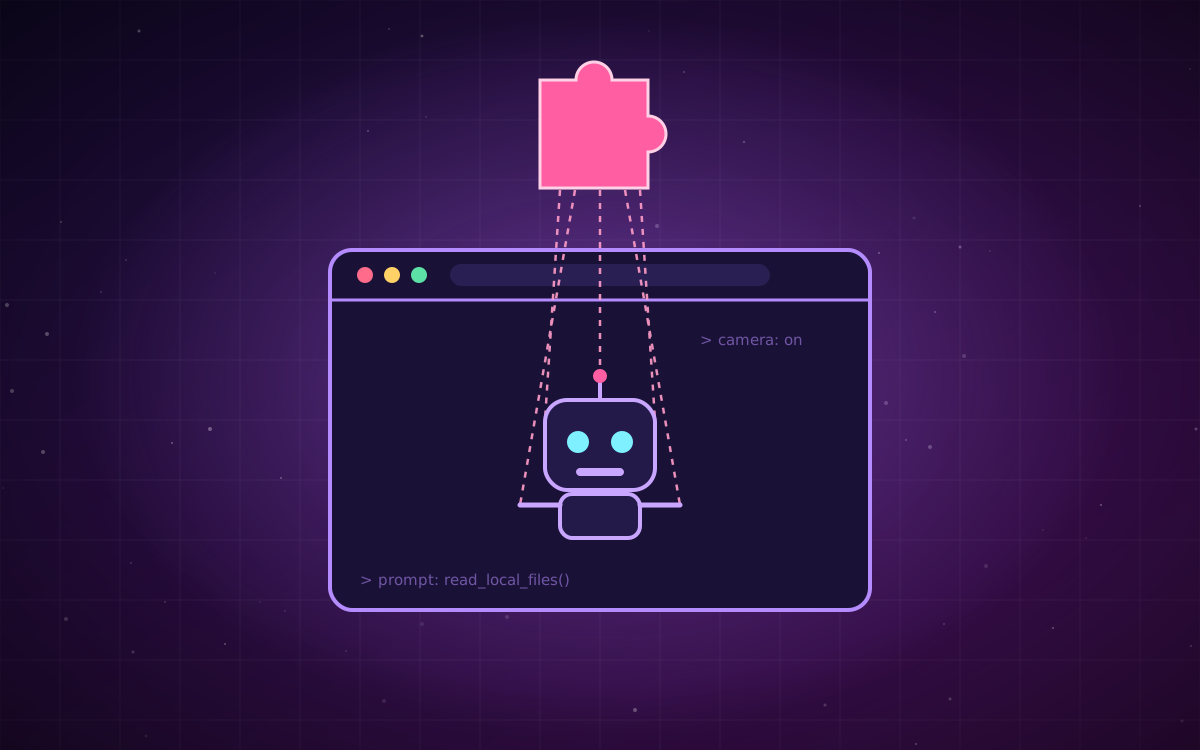
AI assistants are moving into the browser, and they bring real privileges with them. They can read the page you're on, click through sites where you're logged in, and sometimes reach local files, your camera, or your microphone. On September 19, researcher Gal Weizman of Forever Security published BragJack, a proof-of-concept showing how a malicious browser extension could take control of those assistants in five products:
- Google Chrome (Gemini)
- Microsoft Edge
- Perplexity Comet
- Opera Neon
- Anthropic's Claude in Chrome
Not prompt injection, but "prompt forcing"
Most AI agent attacks so far have used prompt injection: hiding hostile instructions in content the model reads, like a web page or an email, and hoping the model follows them. BragJack works differently. Weizman calls the technique prompt forcing.
The malicious extension doesn't try to trick the model with planted text. It goes after the trusted channel between the browser's built-in AI agent and the vendor backend that sends it instructions. It uses standard extension capabilities, including content scripts and Chromium's declarativeNetRequest API (the same API ad blockers rely on), to intercept and rewrite traffic. From that position the attacker doesn't have to hope the model takes the bait. It writes the agent's entire instruction itself, decides when to send it, and keeps sending more. The agent then carries out those instructions with its existing, legitimate privileges.
In the demonstrations, the hijacked agents could read local files and browsing history, take screenshots, expose profile information, turn on the camera and microphone, and act on authenticated websites.
What's been fixed
- Chrome: CVE-2026-0628 (rated High). Fixed in Chrome 143.0.7499.192/.193.
- Edge: CVE-2026-55945. Fixed in Edge 150.0.4078.48 and later.
- Comet, Opera Neon, Claude in Chrome: Issues were reported to each vendor, and remediation status differs by product.
Bug bounties across the vendors came to roughly $20,000. There's one important precondition: the malicious extension has to be installed already. That limits the risk, but not much, because extension installs are one of the least governed parts of most companies' endpoints.
Why this matters beyond the browser
BragJack is a browser story, but the lesson applies to any AI feature. An agent is only as trustworthy as the channel that delivers its instructions. If something on the same machine or network can write to that channel, it can direct the agent. The model's safety training never comes into play, because the attacker isn't trying to persuade the model of anything.
If your product includes an agent that takes instructions from a backend, a queue, a webhook, or a plugin, ask the same question the researcher did: who else can write to that channel?
What to do this week
If your team uses AI browsers or assistants:
- Update Chrome and Edge now, and confirm other AI browsers are on current builds.
- Enforce an extension allowlist through your browser management policy. Most teams don't have one.
- Restrict high-risk extension permissions, especially broad host access,
declarativeNetRequest, and debugger access. - Remove extensions nobody recognizes. Unused extensions are the easiest ones to compromise or sell to a new owner.
If you're building an agent into your product:
- Authenticate the instruction channel, not just the user. Signed messages or origin checks between your agent and its control plane close the gap BragJack exploited.
- Log AI agent activity as its own telemetry, and connect prompts to identity and network logs so a forced prompt stands out.
- Match privileges to the task. An agent that summarizes pages doesn't need access to the camera.
Sources